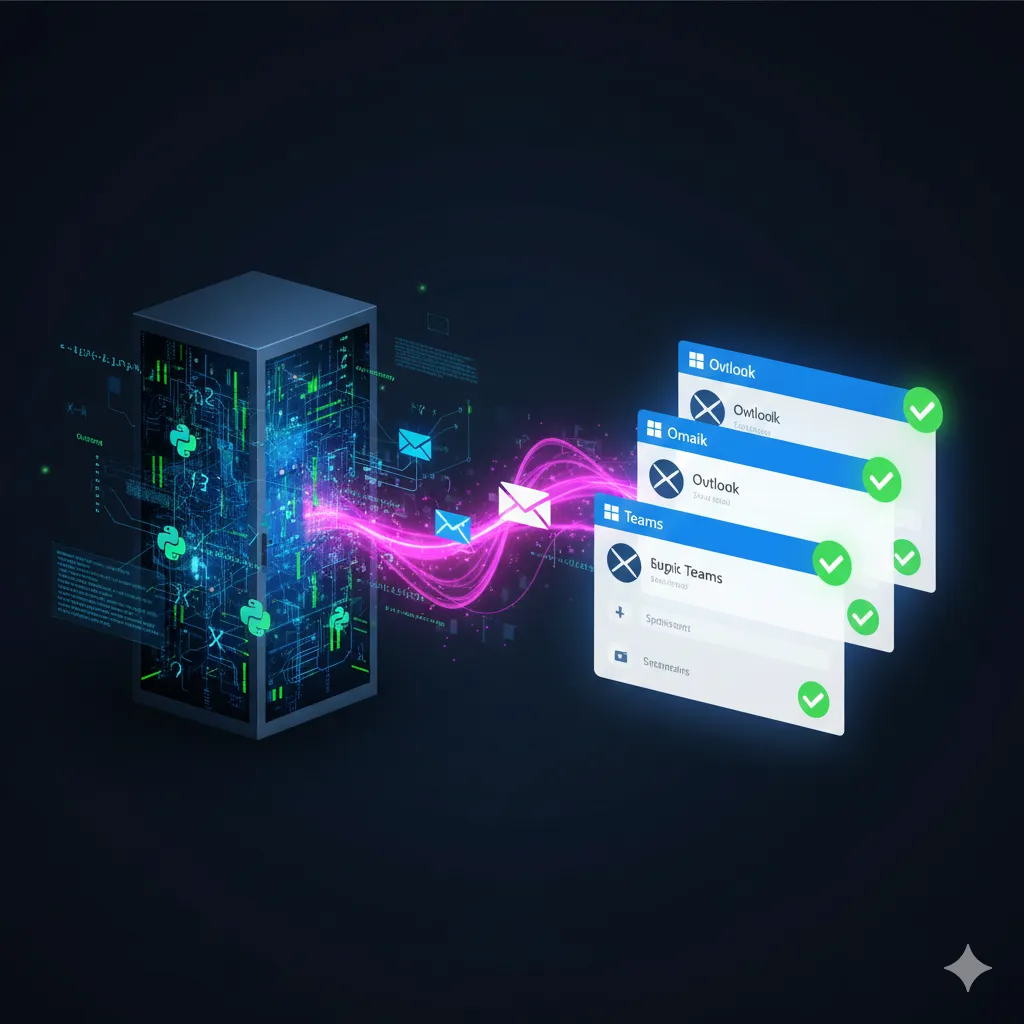
As a Data Scientist, it's easy to dismiss tools like Power Automate as "low-code toys" meant for HR approvals or simple admin tasks. We prefer our Python scripts, our Kubernetes clusters, and our meticulously containerized environments.
But let's be honest about a specific pain point we all face: The Last Mile of Deployment.
You've built a sophisticated fraud detection model. It runs on an Azure Function or a Kubernetes pod. It processes data in milliseconds. Now, you simply need to send an email with the result to the stakeholder.
The "Hard" Way: The Python Trap
In a pure code environment, sending that email is deceptively difficult. You find yourself writing boilerplate code to:
- Authenticate with Microsoft Graph API (handling client secrets and token refreshes)
- Format a complex HTML string for the email body
- Handle retry logic if the SMTP server blips
- Manage dependencies for email libraries in your Docker container
Suddenly, your elegant ML microservice is bloated with 200 lines of brittle integration code just to say "Job Done."
The "Smart" Way: The Hybrid Architecture
The smartest engineers don't build what they can configure. The most robust pattern is decoupling Compute from Communication.
- The Core (Compute): Run your heavy ML logic in Kubernetes, Azure Functions, or Databricks. Let Python do the math.
- The Communication: Offload the notification layer to Power Automate via an HTTP Trigger.
How It Works
Instead of importing an email library, your code makes one clean POST request:
import requests

payload = {
    "model_name": "Fraud_Detection_v2",
    "status": "Critical Alert",
    "probability": 0.98,
    "recipient": "[email protected]"
}

requests.post("https://prod-12.westus.logic.azure.com/...", json=payload)
That's it. Power Automate handles auth, formatting, retries—everything.
Why This is "Pro" Engineering
- Zero Auth Headaches: Power Automate handles authentication with Exchange/Teams natively
- Instant UI Updates: Change email formatting in 30 seconds without redeploying your container
- Scalability: Your K8s cluster focuses solely on inference, not waiting on SMTP servers
The Mindset Shift
Real engineering isn't about writing the most code; it's about shipping the most robust solution. By treating Power Automate as your serverless notification backend, you treat your time with respect.
Don't spend your energy building an email client in Python. Build the model, hit the endpoint, and let the platform handle the rest.
The Bottom Line: Decouple Compute (Python/K8s) from Communication (Power Automate). Let each tool do what it does best, and focus your engineering effort where it matters most.